Rocheston Vega
Agentic AI Web Browser
The Future of Web Navigation

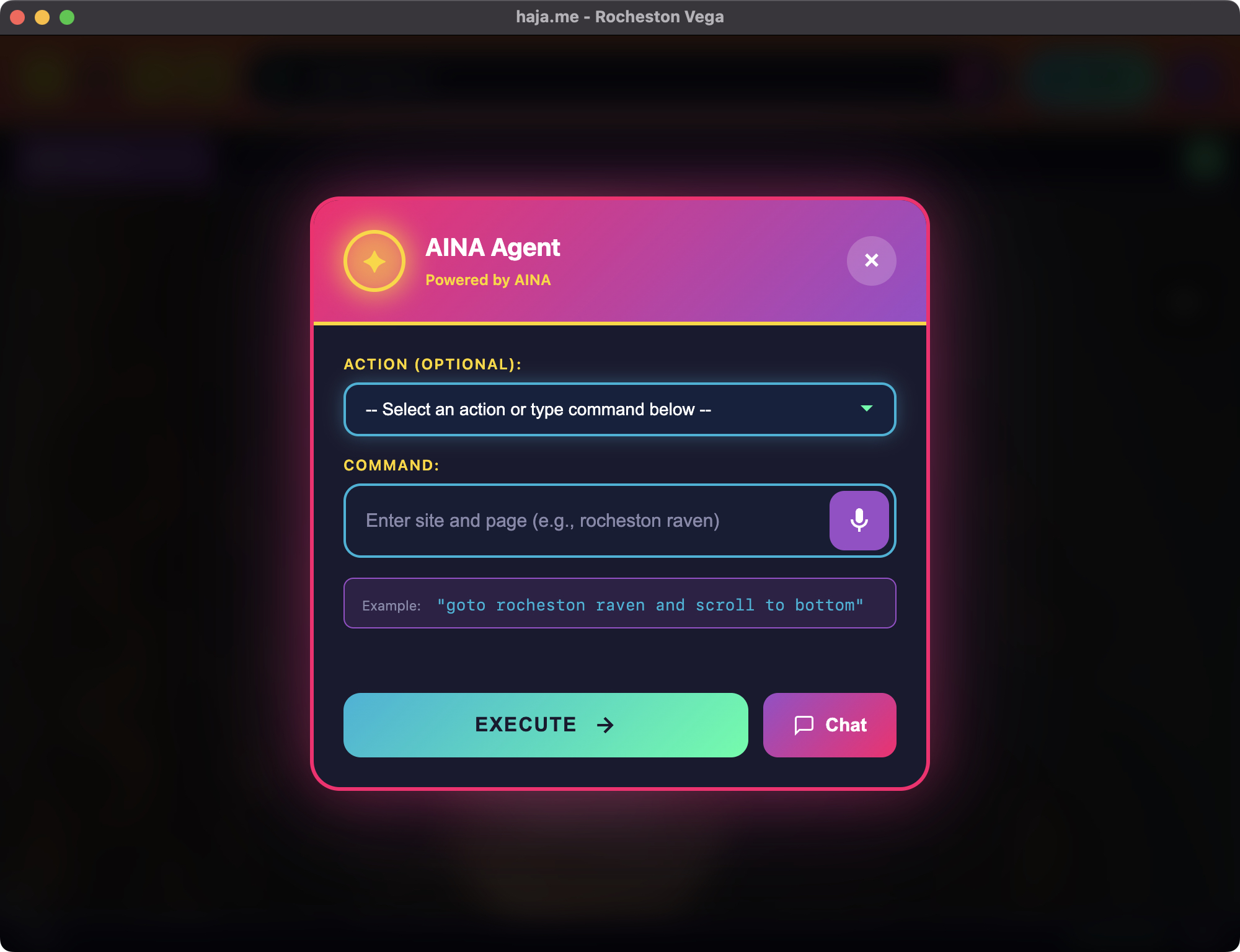
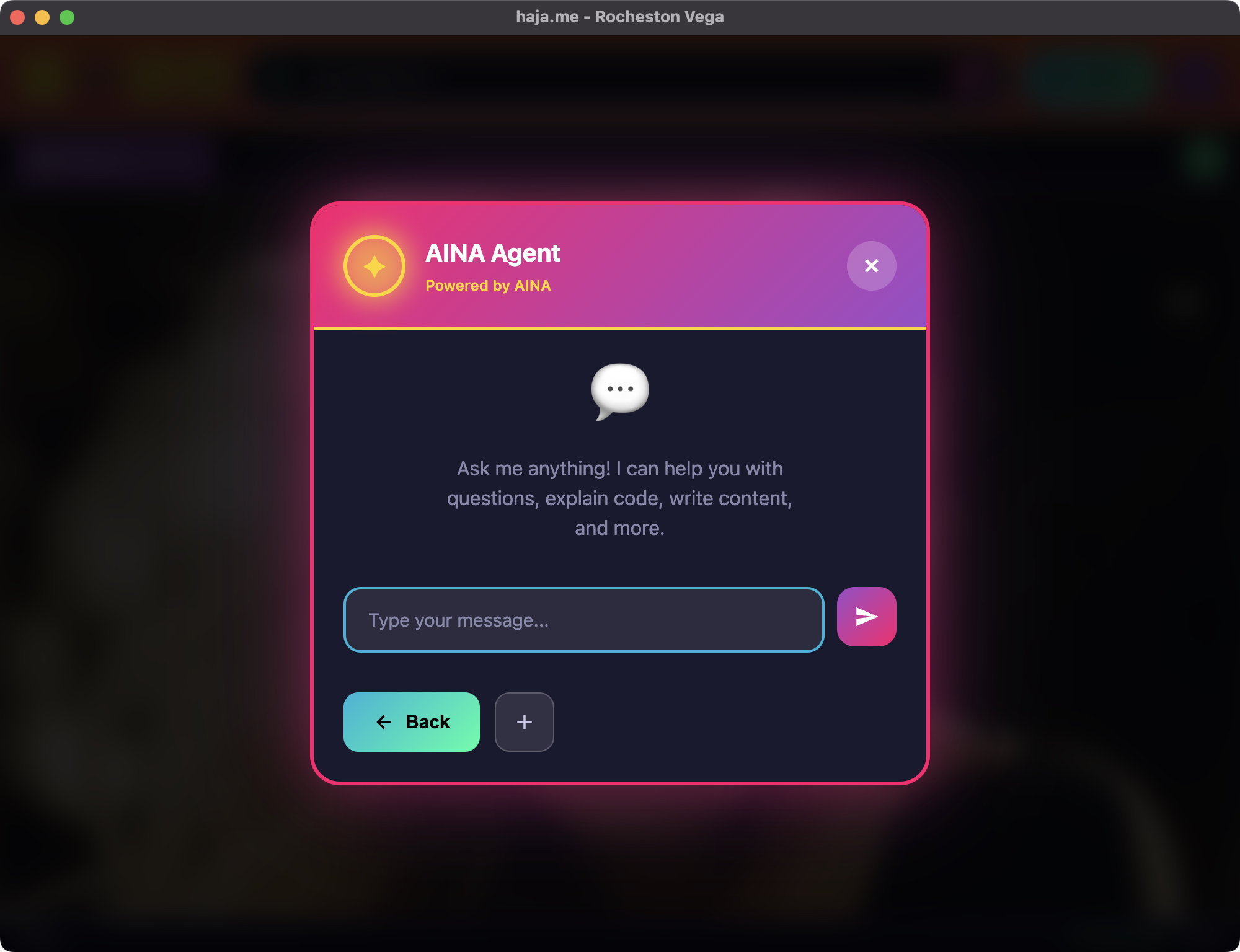
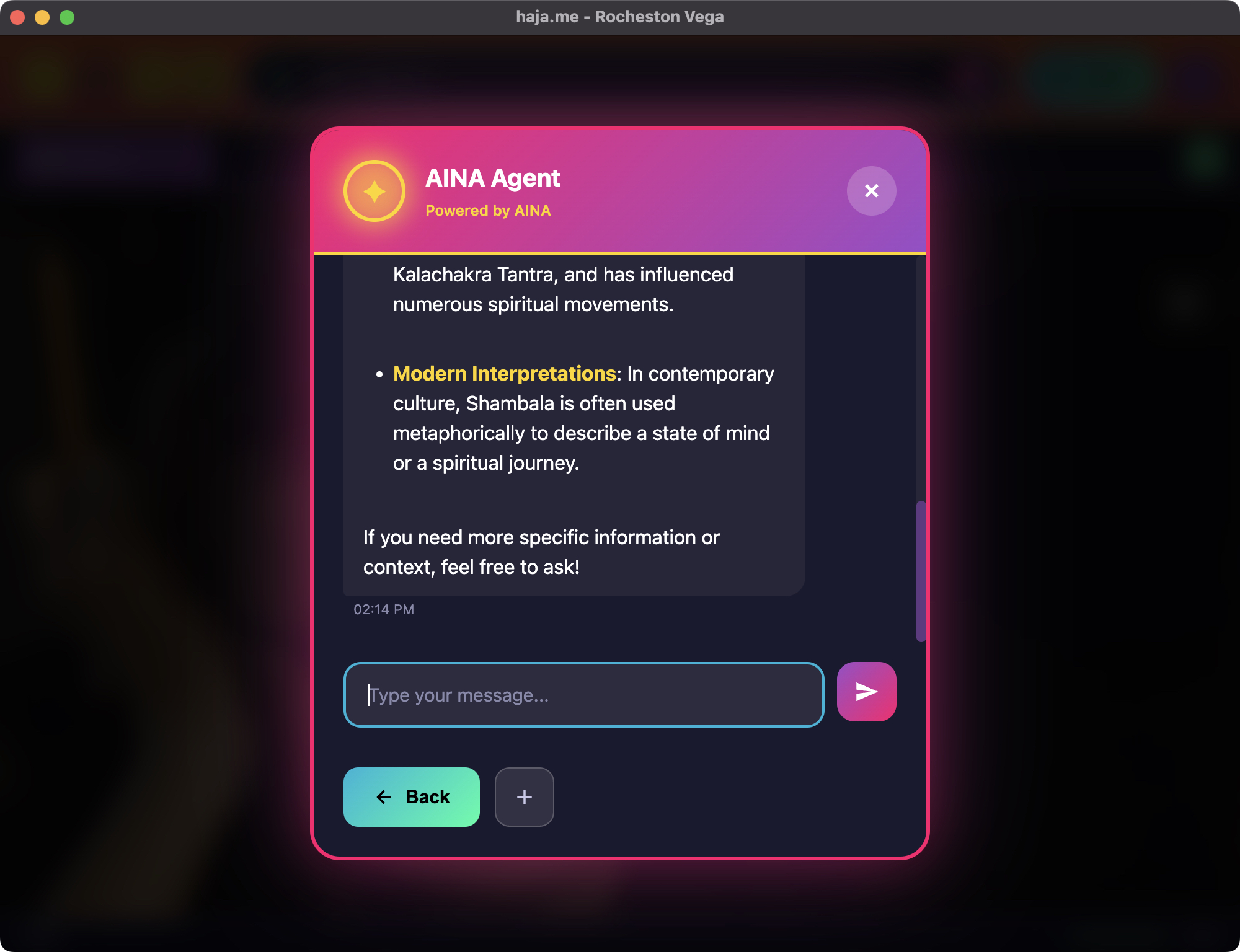
Rocheston Vega is an agentic AI browser powered by AINA. It doesn't just browse—it operates. Navigate websites, complete forms, execute workflows, all inside a secure-by-design browser with zero retained footprint.

Available in Rose X Learn More Launch Vega (Web Edition)

Download Rocheston Vega

Version 2.2.0

Select your operating system to download the latest build

macOS

macOS

Choose Apple Silicon (M1/M2/M3) or Intel
SHA-256 Checksums
ARM64111bc4346215ee583be5bbcede2edb6de715c4a451beb60d42f139205af86432
x86_644ee497ac8b604da1f230e168bc88f7d72147745c32ef8f7adad22995fcd689db
🪟

Windows

Compatible with Windows PC (x64)
SHA-256 Checksum
x64f243af7d27fd6e33c22d12698cc675dc6d37f917802e21d4183082737f5de474
Linux

Linux

Choose ARM64 or x86_64
SHA-256 Checksums
ARM6448bffe112e644ec7689f984c93fa40ca286ddffcf8754c2f8bb27ef950152798
x86_6457e200458b85fc209d4f3743d0579d3c7a807cb0443311c82632c2134f19b307

Vega in Action

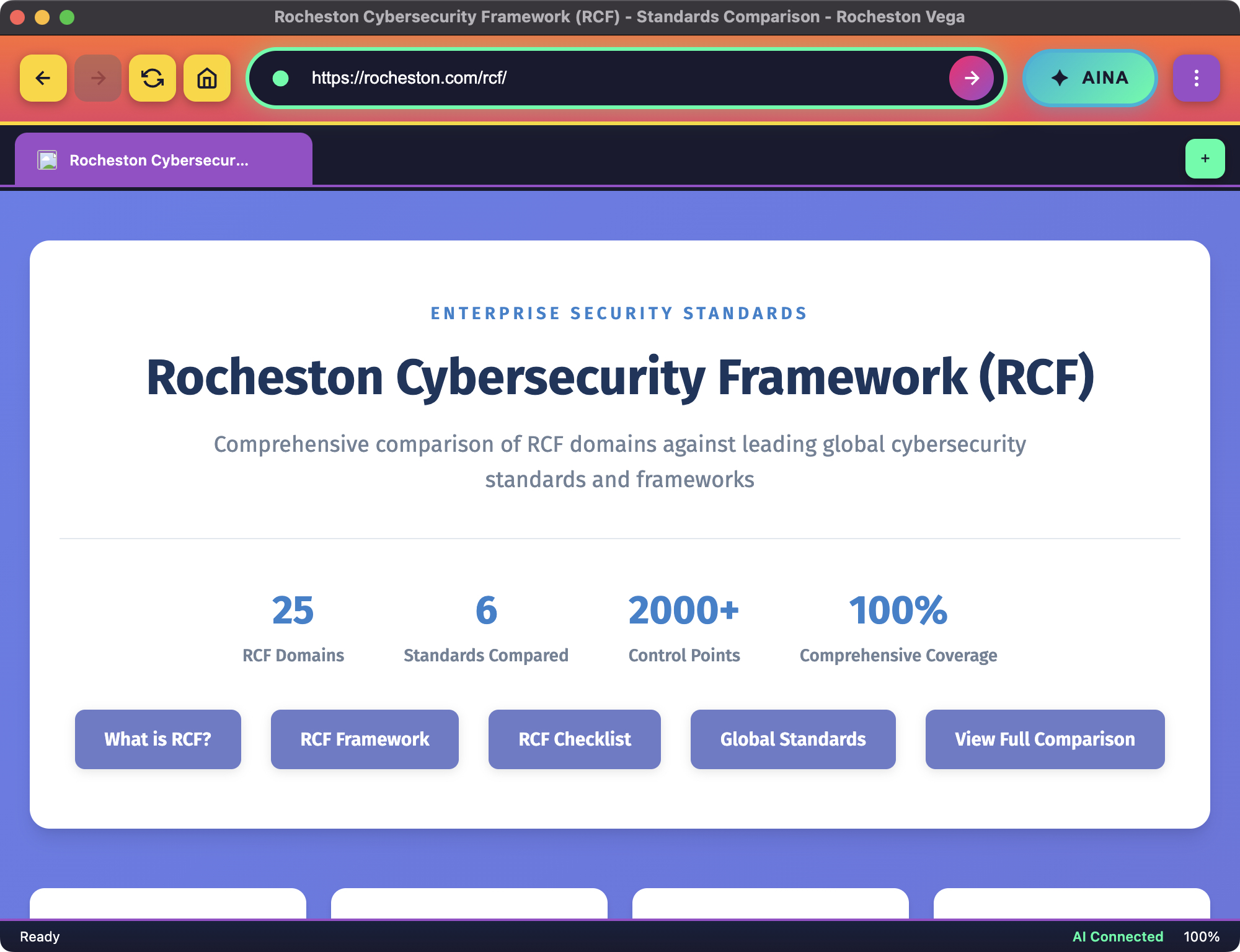
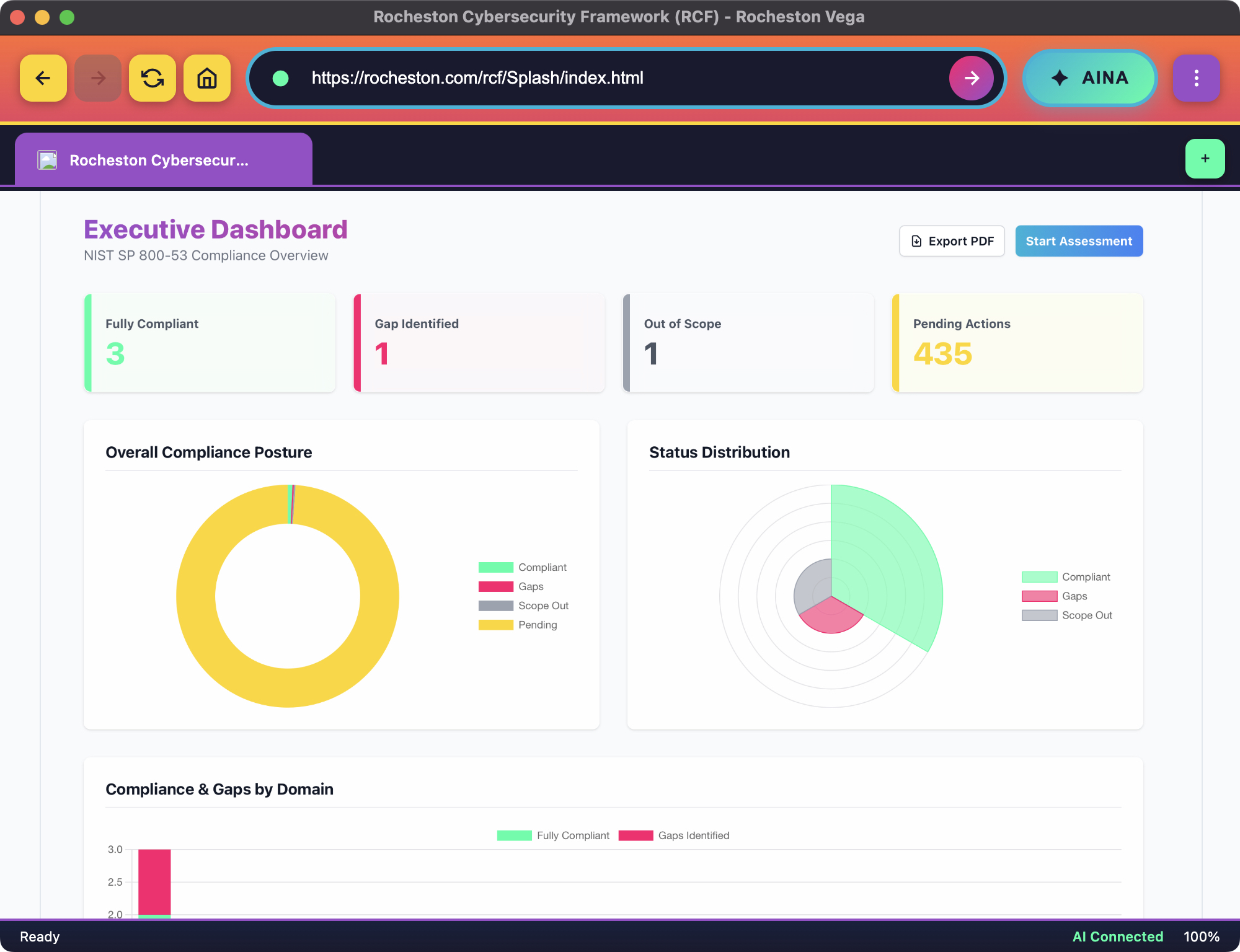
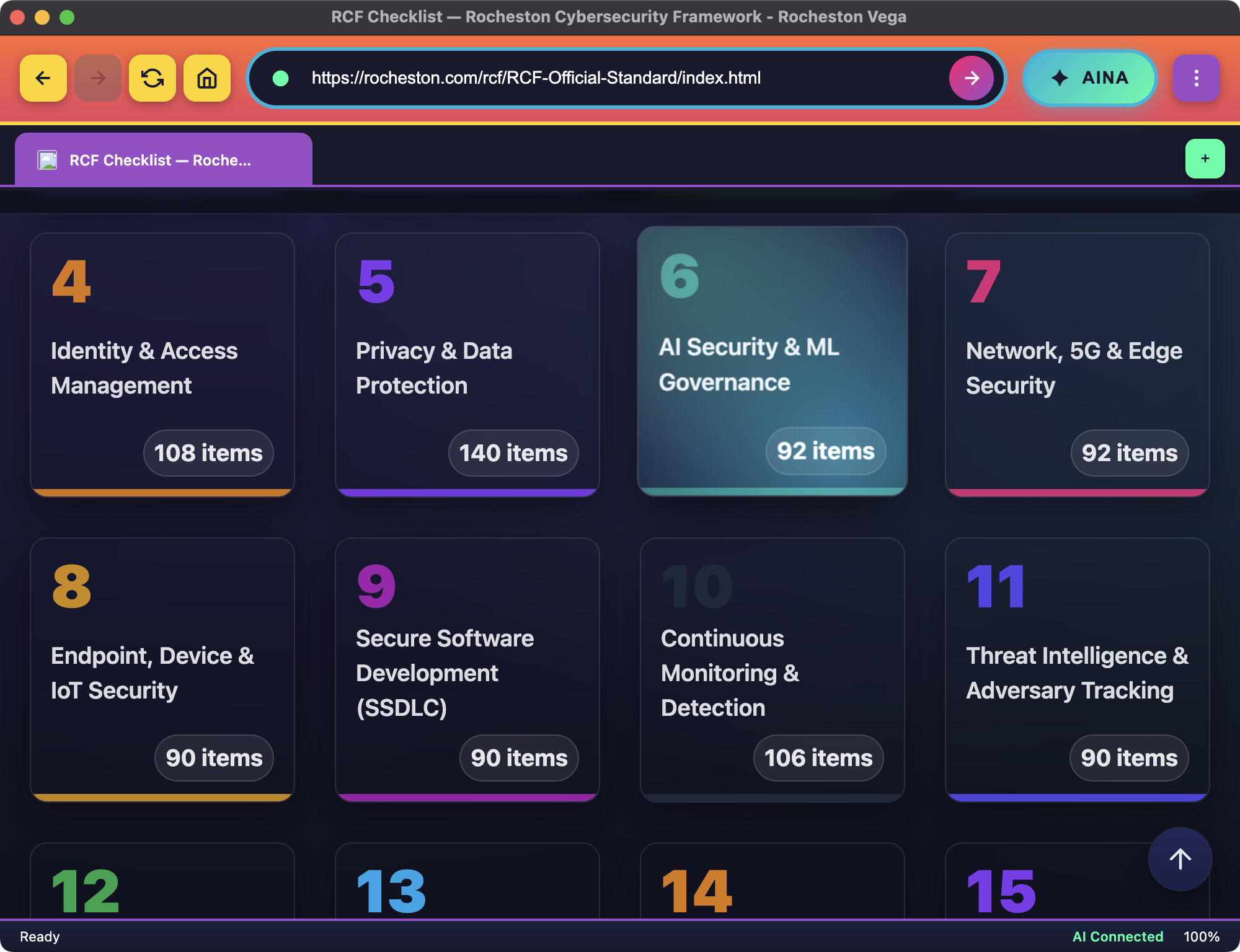
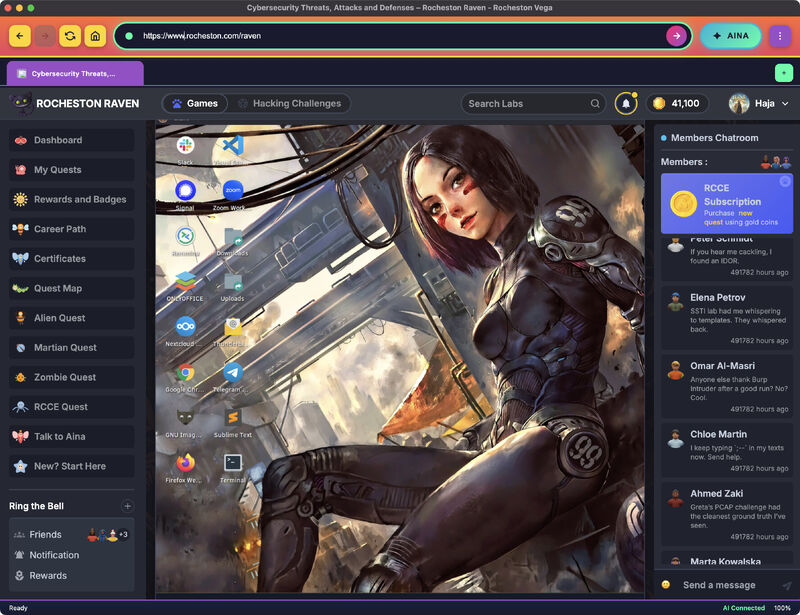
Real screenshots of Rocheston Vega's agentic AI interface executing web operations and workflows

Powerful Agentic Capabilities

Vega transforms browsing into operations with AI-driven automation and intelligent control

Agentic Web Control

AINA operates the web autonomously—navigating sites, clicking elements, and completing multi-step workflows with precision.

Built-In VPN Protection

Secure browsing powered by your Google Outline key. Paste your key in Settings, click Connect, and Vega routes traffic through an encrypted tunnel—no separate VPN app.

Form Automation

Automatically fill fields, select options, and submit forms. Turn repetitive tasks into fast, repeatable operations.

Intelligent Navigation

Find exact pages and sections across complex sites and documentation with AI-powered precision.

Workflow Execution

Execute structured workflows consistently. Same process, same quality, every single time.

Professional Control

Human oversight when it matters. Review and confirm sensitive actions with built-in control points.

Smart Summaries

Extract key information and get clean summaries. Focus on what matters, skip the noise.

Security-First Architecture

Built from the ground up with enterprise-grade security and zero-footprint design

Zero Retained Footprint

Vega is engineered to leave no trace. Launch clean, work secure, exit clean.

  • No browsing history saved
  • No password storage or saved logins
  • No extensions or attack surface
  • No persistent sessions after exit

Enterprise Browsing

Professional-grade security for high-trust environments and sensitive operations.

  • Ideal for shared machines and SOC screens
  • Eliminates credential exposure risks
  • Clean-slate browsing model
  • Security as foundation, not feature

Secure Mode (Built-In VPN)

Powered by your Google Outline key, Vega routes browser traffic through an encrypted tunnel directly inside the browser. Configure once in Settings and click Connect.

  • Helps hide your public IP
  • Improves privacy on public Wi‑Fi
  • Reduces local traffic profiling
  • Simple connect/disconnect in Vega

What It Helps Protect Against

  • Public Wi‑Fi snooping
  • Network‑level surveillance
  • IP‑based tracking
  • Basic location exposure
  • Session visibility on insecure networks
  • Traffic profiling by local observers

How It Works

  • Open Vega Settings
  • Paste your Google Outline access key
  • Save and enable Secure Mode
  • Click Connect inside Vega
  • Traffic routes through the VPN
  • Protected public IP shown in-browser

Vega Modern Browser Technology Stack

Rocheston Vega is not a traditional browser with features bolted on. It is a modern secure web operating environment built for privacy, identity, onion access, AI-driven workflows, VM labs, and next-generation web standards — all working automatically with intelligent defaults.

⚡ Automatic by Default

A browser that quietly does the hard things right.

Vega is designed around one simple principle: advanced browser technology should not become user burden. Modern encryption, passkeys, QUIC, secure DNS, anti-tracking, WebAssembly, WebGPU, VM clipboard sync, onion routing, presentation mode, and privacy isolation work automatically in the background. No bloat. No unnecessary dashboards. No endless switches. Vega chooses the safest, fastest, most compatible path by default.

🧅

Native .onion Access

Vega opens .onion addresses directly inside the browser, allowing users to reach hidden services, censorship-resistant resources, secure research portals, and privacy-focused destinations without switching applications.

🔑

Passkeys / WebAuthn

Vega supports modern passwordless authentication using WebAuthn and FIDO2 passkeys. Users can sign in with platform authenticators, biometrics, security keys, and origin-bound cryptographic credentials instead of reusable passwords.

🌩️

Cloudflare DNS over HTTPS

Vega resolves clearnet domains through encrypted DNS over HTTPS using Cloudflare 1.1.1.1 by default, reducing local DNS visibility and helping protect users from DNS tampering on untrusted networks.

HTTP/3 over QUIC

When a website supports it, Vega automatically uses HTTP/3 over QUIC for faster modern transport. If QUIC is unavailable, blocked, or unsupported, Vega silently falls back to HTTP/2 or HTTP/1.1 without interrupting browsing.

🛡️

Vega Tracking Shield

Vega blocks known trackers, isolates third-party storage, strips common tracking parameters, mitigates bounce tracking, reduces fingerprinting exposure, and sends Global Privacy Control signals automatically.

🧬

WebAssembly Ready

Vega supports modern WebAssembly workloads for high-performance web apps, games, IDEs, AI demos, scientific tools, compression engines, and browser-based security utilities through the browser engine’s secure sandbox.

🖥️

VM Clipboard Sync

Vega enables seamless copy and paste between local desktops and trusted VM or Guacamole sessions. Text copied locally can be pasted into the VM, and text copied inside the VM can be pasted back locally.

🎬

Presentation Mode

Command + Z toggles Vega Presentation Mode, instantly hiding browser chrome and showing only the webpage inside a clean bordered resizable window — perfect for demos, lectures, recordings, and live labs.

🔐

Encrypted Client Hello Ready

Vega is designed for modern TLS privacy with ECH support where available, helping reduce visible handshake metadata for websites that publish the required HTTPS/SVCB configuration.

🌐

HTTPS/SVCB Intelligence

Vega uses modern DNS service binding records where supported to discover better connection paths, HTTP/3 availability, encrypted handshake configuration, and optimized service endpoints.

🧱

Storage Partitioning + CHIPS

Vega partitions third-party cookies and storage by top-level site, reducing cross-site tracking while preserving compatibility for legitimate embedded services, login widgets, and modern web applications.

🚦

Private Network Protection

Vega protects routers, printers, NAS devices, dashboards, and internal services from silent probing by public websites using modern private network access protections.

Privacy Architecture

Vega privacy is not a single feature. It is a layered browser architecture that protects DNS, transport, storage, identity, clipboard, onion routing, WebRTC, downloads, and tracking surfaces by default.

Encrypted Lookup Layer

Vega uses DNS over HTTPS for clearnet domain resolution while strictly preventing .onion hostnames from leaking to clearnet DNS resolvers.

  • Cloudflare 1.1.1.1 DoH by default
  • Encrypted DNS requests over HTTPS
  • No clearnet DNS lookup for .onion
  • Localhost and IP literals bypass DNS safely
  • DNS cache respects privacy boundaries

Modern Transport Layer

Vega automatically selects the best available secure transport for normal websites while preserving strict separation for onion sessions.

  • HTTP/3 over QUIC when supported
  • Silent fallback to HTTP/2 or HTTP/1.1
  • QUIC label appears only when active
  • QUIC disabled for Onion Mode
  • Certificate validation remains strict

Anti-Tracking Layer

Vega Tracking Shield reduces cross-site surveillance without forcing users to manage complex privacy settings.

  • Blocks known tracker requests
  • Blocks tracking pixels and analytics beacons
  • Strips common tracking parameters
  • Mitigates bounce tracking
  • Reduces fingerprinting surfaces

Storage Isolation Layer

Vega isolates site data so third-party services cannot freely carry identity across unrelated sites.

  • Third-party cookie partitioning
  • CHIPS-compatible partitioned cookies
  • Partitioned localStorage and IndexedDB
  • Separate Onion Mode storage
  • Private session storage cleanup

Clipboard Protection Layer

Vega enables clipboard automation only inside trusted VM sessions, never as a global website privilege.

  • Automatic VM copy/paste sync
  • Trusted-session only bridge
  • No clipboard history
  • No clipboard cloud upload
  • No arbitrary website access

Modern Web Standards Built In

Vega supports the modern web platform so advanced applications, secure identity flows, web apps, media experiences, AI demos, and professional dashboards work without extra configuration.

WebAuthn + Passkeys

Passwordless login using public-key cryptography, platform authenticators, biometrics, device PINs, and hardware security keys.

FedCM

Modern browser-mediated federated login designed for a world where third-party cookies are increasingly restricted.

WebCrypto

Secure browser-native cryptography for signing, verification, encryption, key agreement, hashing, and modern secure web apps.

WebAssembly

High-performance portable code execution for games, AI demos, IDEs, scientific apps, media tools, and professional browser workloads.

WebGPU

Modern GPU acceleration for advanced graphics, computation, 3D visualization, browser games, and future AI-powered web interfaces.

WebTransport

Low-latency modern networking for real-time apps, streaming workflows, collaborative tools, remote terminals, and interactive dashboards.

PWA Support

Service workers, web manifests, offline app behavior, installable web apps, cache handling, and standalone professional web application support.

Storage Access API

Compatibility for legitimate embedded login, payment, and identity flows while keeping third-party tracker storage restricted.

Modern Compression

Automatic support for efficient content encodings such as Brotli and Zstandard where available, helping modern sites load faster.

Modern CSS + UI APIs

Support for today’s web UI layer, including container queries, popovers, dialog behavior, modern layout, dynamic viewport units, and advanced rendering features.

Mixed Content Auto-Upgrade

Vega automatically upgrades insecure subresources when safe and blocks dangerous active mixed content to protect secure pages.

Strict Referrer Privacy

Cross-site requests avoid leaking full URL paths and sensitive query strings by default, reducing unnecessary data exposure across the web.

Built for Professional Workflows

Vega is more than a browser. It is a secure operating surface for RCCE labs, AI navigation, onion research, remote VM sessions, demonstrations, and enterprise web operations.

VM Ready

Remote VM Sessions Feel Native

  • Open a trusted VM, Guacamole, RDP, VNC, or SSH session directly inside Vega.
  • Copy text from your local computer and paste it into the remote VM without fighting the browser.
  • Copy output from inside the VM and paste it back into your notes, reports, code editor, or training workflow.
  • Presentation Mode makes remote labs fill the window cleanly for teaching, recording, and live demos.
The remote lab stops feeling remote. It feels like part of Vega.
Presentation Ready

A Browser That Knows When You Are Presenting

  • Press Command + Z and Vega hides every browser control instantly.
  • Only the webpage remains, framed by a clean professional border.
  • The window remains resizable, movable, and natural — not forced into fullscreen or kiosk mode.
  • Resize the window and the webpage automatically fits the new space.
Perfect for CyberClass, RCCE Visual Labs, live demos, videos, lectures, and executive presentations.

Automatic Security Defaults

Vega is designed to make the secure choice automatically. Users should not need a PhD in browser security to browse safely.

Sandboxed Web Execution

Modern web applications run inside the browser security model, preserving process isolation, origin boundaries, CSP behavior, and sandbox controls.

  • Renderer isolation
  • Site isolation where supported
  • No arbitrary native API exposure
  • WebAssembly remains sandboxed
  • WebGPU remains engine-controlled

Secure Identity Surface

Vega supports modern authentication without turning passwords into the center of the browsing experience.

  • Passkeys instead of reusable passwords
  • Origin-bound WebAuthn credentials
  • FedCM-ready federated login
  • Storage Access API compatibility
  • Phishing-resistant authentication model

Download Awareness

Vega can identify high-risk downloads and warn users when a file type can execute code or when a file originates from a sensitive browsing context.

  • Executable file warnings
  • Script file awareness
  • Archive risk handling
  • Onion download warnings
  • No noisy antivirus bloat

Permission Discipline

Modern websites can request powerful device capabilities. Vega keeps those capabilities mediated by the browser instead of giving websites silent access.

  • Camera and microphone mediation
  • Clipboard access restrictions
  • Private network protection
  • File access through user picker
  • USB, Bluetooth, and local APIs controlled

Session Separation

Normal browsing, private browsing, onion sessions, VM sessions, and internal Vega pages are treated as separate trust surfaces.

  • Onion Mode isolation
  • Private session cleanup
  • VM clipboard trust boundary
  • No .onion DNS leakage
  • No QUIC or UDP for onion traffic
⬤ Onion Network

Rocheston Vega Onion Browser

Access .onion websites, hidden services, and censorship-resistant information through private onion networking. Browse the open and hidden web from one unified, secure environment.

Rocheston Vega Onion Browser

Private by Design

Rocheston Vega brings onion routing directly into the browser — no separate app, no complex setup. Access .onion sites and hidden services from the same interface you already know.

Your traffic is encrypted in multiple layers and bounced through relays before reaching its destination. No single point in the network knows both who you are and what you're accessing.

Combined with Vega's zero retained footprint, onion sessions leave nothing behind. Close the browser — the session disappears entirely.

🧅 .onion Access 🔒 Layered Encryption 🚫 Censorship Resistant 🛡️ Zero Footprint
🧅

.onion Site Access

Navigate .onion addresses and hidden services directly inside Vega without any additional software. The onion network is built right into the browser.

🔒

End-to-End Layered Privacy

Onion routing encrypts your traffic in multiple layers, bouncing it through relays so your origin and destination are never exposed to a single point.

🚫

Censorship Resistance

Reach blocked and restricted content through the onion network. Designed for environments where open access to information is limited or surveilled.

🌐

Hidden Services

Connect to hidden services, research platforms, whistleblowing portals, and decentralized resources only reachable through the onion network.

🛡️

Zero Footprint by Default

Like all of Vega, onion browsing sessions leave no history, no cached data, and no stored credentials. Close Vega and the session is gone entirely.

Unified Browsing Experience

Switch between the clearnet and onion network without changing apps or tools. Vega handles both in one place with a single consistent interface.

Responsible Use: Rocheston Vega Onion Browser is designed for legitimate privacy, security research, censorship circumvention, and access to hidden services for authorized purposes. Users are solely responsible for complying with all applicable laws and Rocheston's terms of use.

Rosecoin Support in Vega

🪙

Overview

Built-in Rosecoin wallet and native blockchain RPC — no extensions needed.

👛

Built-In Wallet

Import accounts, send and receive Rosecoins, view transactions — all inside Vega.

🔗

RPC Connectivity

Connect dApps, deploy smart contracts, and test blockchain workflows without leaving the browser.

⚙️

Use Cases

Smart contracts, Niles NFT platforms, ZelC evidence workflows — Vega makes it seamless.

🌐

Ecosystem Integration

A browser-native gateway into the Rosecoin ecosystem with full Web3 integration.

Frequently Asked Questions

VPN Mode in Vega

Does Vega support HTTP/3 over QUIC?

Yes. Vega automatically uses HTTP/3 over QUIC when a website supports it. If QUIC is unavailable or blocked, Vega silently falls back to HTTP/2 or HTTP/1.1. When QUIC is actually active, Vega can show a small QUIC indicator in the bottom status bar.

🌩️Does Vega use encrypted DNS?

Yes. Vega supports DNS over HTTPS using Cloudflare 1.1.1.1 for normal clearnet browsing. .onion addresses are never sent to clearnet DNS and remain inside Vega Onion Mode.

🔑Does Vega support passkeys?

Yes. Vega supports passkeys and WebAuthn so users can sign in with passwordless cryptographic credentials, platform authenticators, device biometrics, PINs, and hardware security keys where supported.

🛡️Does Vega block website tracking?

Yes. Vega Tracking Shield blocks known trackers, partitions third-party storage, strips common tracking parameters, reduces fingerprinting exposure, mitigates bounce tracking, and sends Global Privacy Control signals automatically.

🧬Does Vega support WebAssembly?

Yes. Vega supports modern WebAssembly through the browser engine’s secure sandbox, enabling high-performance web applications, browser-based tools, games, IDEs, AI demos, and scientific workloads.

🖥️Can Vega copy and paste with VM sessions?

Yes. Vega supports automatic text clipboard synchronization for trusted VM and Guacamole-style sessions, allowing users to copy from the local machine into the VM and copy from the VM back to the local machine.

🎬What is Vega Presentation Mode?

Presentation Mode hides Vega’s browser controls and shows only the webpage inside a clean bordered resizable window. Press Command + Z to toggle it. It is ideal for demos, lectures, RCCE Visual Labs, recordings, and professional presentations.

🧅Does Vega use QUIC for .onion websites?

No. Vega does not use QUIC, HTTP/3, UDP, or clearnet DNS for .onion websites. Onion traffic stays inside Vega Onion Mode to preserve the correct privacy and routing model.

Does Vega support VPN?

Yes. Vega supports VPN browsing directly inside the browser using your Google Outline access key.

What do I need to use VPN Mode in Vega?

You need your own Google Outline server and a valid Google Outline access key.

How do I enable VPN Mode in Vega?

Open Vega Settings, paste your Google Outline access key, save it, and click Connect. Vega will then route your browsing traffic through your configured Outline server.

How does VPN Mode protect me?

When VPN Mode is enabled, Vega routes your browsing traffic through your configured Outline server over an encrypted connection. This helps reduce exposure to public Wi‑Fi snooping, network monitoring, IP-based tracking, and visibility of your real public IP address.

Does Vega hide my IP address?

Yes. When connected through your configured Outline server, Vega can display a protected public IP instead of your direct network IP.

Can Vega protect me on public Wi‑Fi?

Yes. VPN Mode helps protect your browsing traffic on public and shared networks by routing it through your Outline server over an encrypted connection.

Do I need a separate VPN app to use this feature?

No. Vega lets you configure your Google Outline access key and use VPN Mode directly inside the browser. You still need your own Google Outline server and access key.

Can I see my protected public IP in Vega?

Yes. Once connected, Vega can show your protected public IP so you can confirm that your browsing session is running through your VPN connection.

Does Vega route all device traffic through VPN Mode?

Vega VPN Mode is designed to protect browsing traffic inside Vega. It is a browser‑integrated VPN experience rather than a separate system‑wide VPN application.

Is VPN Mode easy to set up?

Yes. The setup is simple. Paste your Outline key into Vega Settings, save it, and click Connect to start browsing through your VPN connection.

Why does Vega use Google Outline?

Google Outline gives users a flexible way to browse through their own configured VPN server. Vega brings that VPN experience directly into the browser for a simpler and more seamless workflow.

What happens when I disconnect VPN Mode?

When you disconnect VPN Mode, Vega returns to normal browsing and stops routing your traffic through the configured Outline server.

Get Rocheston Vega Today

Available exclusively for RCCE students inside Rocheston Rose X. Built for professionals who demand speed, precision, and security.

Access Vega in Rose X
Rocheston Vega

About Rocheston Vega: The Revolutionary Agentic AI Web Browser

Rocheston Vega represents the next evolution in web browsing technology. As the world's first truly agentic AI web browser, Vega transforms how professionals interact with the internet. Unlike traditional web browsers that require manual navigation and interaction, Rocheston Vega leverages advanced artificial intelligence to autonomously execute complex web tasks, complete multi-step workflows, and navigate websites with human-like intelligence.

What Makes Rocheston Vega Unique?

Rocheston Vega is powered by AINA (Artificial Intelligence Network Agent), a sophisticated AI system designed specifically for agentic web browsing. AINA can understand natural language commands, interpret website structures, fill out forms automatically, navigate through complex portals, and complete tasks that traditionally require dozens of manual clicks and inputs. This agentic AI browser is built for professionals who need speed, accuracy, and automation in their daily web operations.

Agentic AI Browser Technology

The term "agentic AI" refers to artificial intelligence systems that can act autonomously to achieve specific goals. In the context of web browsing, Rocheston Vega's agentic capabilities mean it can independently navigate websites, make decisions about which links to click, extract relevant information, complete forms with appropriate data, and execute multi-step workflows without constant human intervention. This represents a fundamental shift from passive browsing to active web operations.

Enterprise-Grade Security and Zero Footprint Design

Security is not an afterthought in Rocheston Vega—it's the foundation. The browser is engineered with a zero retained footprint architecture, meaning it leaves no browsing history, stores no passwords, maintains no persistent sessions, and eliminates the attack surface created by browser extensions. This makes Vega ideal for security-conscious organizations, SOC teams, penetration testers, cybersecurity professionals, and anyone working with sensitive information.

Key Features of Rocheston Vega

Rocheston Vega includes powerful features for professional users: automated form filling and submission, intelligent page navigation, multi-step workflow execution, AI-powered data extraction, smart summarization of web content, built-in VPN protection powered by your Google Outline key, secure browsing with no persistent data, integration with Rocheston Rose X platform, and seamless operation through natural language commands. These features make Vega an essential tool for RCCE students, cybersecurity professionals, and enterprise users.

Who Should Use Rocheston Vega?

Rocheston Vega is designed for professionals who demand more from their web browser. This includes cybersecurity analysts who need secure, traceless browsing; enterprise employees who complete repetitive web-based tasks; researchers who gather information from multiple sources; RCCE (Rocheston Certified Cybersecurity Engineer) students learning advanced security practices; IT administrators managing web-based systems; and any professional who values automation, security, and efficiency in web operations.

Integration with Rocheston Ecosystem

Rocheston Vega is part of the larger Rocheston ecosystem, seamlessly integrated with Rocheston Rose X. This integration provides a unified experience across all Rocheston tools and platforms. Users benefit from consistent AINA intelligence across applications, shared security policies, centralized management, and a cohesive professional workflow environment. The ecosystem approach ensures that tools work together intelligently rather than as isolated applications.

The Future of Web Browsing

As artificial intelligence continues to advance, the way we interact with the web must evolve. Rocheston Vega represents this evolution—a shift from manual browsing to intelligent, automated web operations. By combining agentic AI capabilities with enterprise-grade security and professional-focused features, Vega sets a new standard for what a web browser can accomplish. This is not just browsing; this is intelligent web operations.

Getting Started with Rocheston Vega

Rocheston Vega is available exclusively through Rocheston Rose X for RCCE students and authorized enterprise users. The browser is designed for professional environments where security, automation, and efficiency are paramount. To learn more about accessing Rocheston Vega, visit the Rocheston website or contact your Rocheston representative. Experience the future of web browsing with the world's first truly agentic AI browser.

Rocheston Vega Technical Specification

Rocheston Vega is engineered as a secure, privacy-first, automation-ready browser for the modern internet. It combines agentic AI control, onion access, passwordless identity, encrypted networking, anti-tracking defenses, secure VM workflows, WebAssembly performance, and modern web standards into one unified browser environment. Vega is designed for professionals who need a browser that can operate the web, protect the session, support advanced labs, and handle modern web applications without configuration complexity.

Automatic by Default

Vega’s design philosophy is simple: powerful browser technology should work automatically. Users should not have to manually decide whether to use QUIC, encrypted DNS, tracking protection, storage partitioning, WebAssembly, passkeys, or modern compression. Vega applies secure defaults in the background and exposes only the information that matters, such as a small QUIC indicator when HTTP/3 over QUIC is actually in use or a shield count when tracking attempts are blocked.

Onion-Aware Browser Architecture

Vega supports .onion websites and hidden services directly inside the browser while preserving strict isolation between clearnet browsing and onion sessions. Onion addresses are never resolved through clearnet DNS. Onion traffic is never sent over QUIC or UDP. Onion sessions remain inside Vega Onion Mode, giving users a unified browsing experience without mixing trust boundaries or leaking onion hostnames into the normal internet.

Passwordless Identity with Passkeys

Vega supports modern passwordless sign-in through passkeys and WebAuthn. Instead of storing reusable passwords, websites can create origin-bound public-key credentials protected by the user’s device, biometric system, PIN, or hardware security key. This makes Vega ready for the modern authentication ecosystem where phishing-resistant sign-in becomes the default expectation.

Encrypted DNS and Modern Transport

Vega uses Cloudflare 1.1.1.1 DNS over HTTPS for normal clearnet browsing, helping protect domain lookups from local network snooping and tampering. When supported by websites, Vega can use HTTP/3 over QUIC automatically for faster modern transport. If QUIC is unavailable, Vega silently falls back to HTTP/2 or HTTP/1.1. There is no user burden, no broken page, and no extra network dashboard.

Tracking Prevention Built into the Browser

Vega Tracking Shield is designed to reduce common cross-site tracking techniques automatically. It blocks known tracker requests, isolates third-party storage, partitions cookies, strips common tracking parameters, mitigates bounce tracking, reduces fingerprinting exposure, sends Global Privacy Control signals, protects WebRTC surfaces, and prevents known session-replay and analytics trackers from silently following the user across the web.

High-Performance Web Application Support

Vega supports modern WebAssembly and browser-native performance features needed by today’s high-end web applications. This includes WebAssembly execution, streaming compilation, SIMD where supported, WebGPU where supported, modern compression formats, WebTransport for real-time applications, and browser-native APIs needed by professional dashboards, IDEs, scientific apps, training platforms, and AI-powered web interfaces.

VM and Lab Workflow Integration

Vega is built for RCCE labs and professional VM workflows. Trusted VM and Guacamole-style sessions can synchronize clipboard text between the local machine and remote desktop, allowing students and professionals to copy commands, outputs, reports, and code without breaking concentration. Combined with RCCE Visual Labs, this creates a browser-native lab experience where training, remote systems, AI explanation, and web control all operate together.

Presentation-Ready Interface

Vega includes Presentation Mode for live teaching, screen recording, cybersecurity demonstrations, and executive walkthroughs. Press Command + Z and Vega hides the browser interface, showing only the webpage inside a clean bordered resizable window. This is not fullscreen, not kiosk mode, and not reader mode. It is a professional presentation surface that lets the page fit naturally inside any window size.

Modern Web Compatibility

Vega is built to support the modern web platform: passkeys, FedCM, WebCrypto, Storage Access API, WebAssembly, WebGPU, WebTransport, PWA behavior, service workers, modern CSS, mixed-content auto-upgrade, strict referrer privacy, partitioned storage, and private network protections. The result is a browser that remains compatible with sophisticated modern applications while keeping privacy and security boundaries intact.

Professional Zero-Bloat Philosophy

Vega does not try to become an operating system filled with distractions. Its most advanced features work quietly by default. QUIC appears only when active. Tracking Shield appears only when something is blocked. Presentation Mode appears only when the shortcut is pressed. Clipboard sync works only inside trusted VM sessions. Onion routing activates only for onion destinations. This gives Vega a clean professional identity: powerful underneath, calm on the surface.

Keywords: Rocheston Vega, agentic AI browser, AI web browser, AINA artificial intelligence, automated web browsing, secure browser, zero footprint browser, enterprise web browser, cybersecurity browser, RCCE, Rocheston Rose X, intelligent web navigation, automated form filling, AI-powered browser, professional web browser, secure web operations, browser automation, agentic artificial intelligence, web workflow automation, intelligent browsing technology, passkey browser, WebAuthn browser, onion browser, DNS over HTTPS browser, Cloudflare 1.1.1.1 browser, QUIC browser, HTTP/3 browser, anti-tracking browser, WebAssembly browser, WebGPU browser, WebTransport browser, secure VM browser, Guacamole clipboard sync, RCCE Visual Labs browser, storage partitioning, CHIPS cookies, FedCM browser, WebCrypto browser, private network access protection, presentation mode browser, Command Z presentation mode


RCCE Visual Labs Powered by AINA

RCCE Visual Labs removes lab friction and turns every lab into a visual, guided experience inside Vega.

Old Way

The Old Way of Doing Labs Was Killing Learning

  • You're sitting in class. The lecture ends. The instructor says, "Okay, lab time."
  • You open a massive lab manual and start following instructions line by line.
  • Type a command. Error. Fix it. Another error. A missing dependency. A wrong version. A tiny setting you didn't notice. Now you're stuck — not because you don't understand cybersecurity, but because the lab environment doesn't match the instructions.
  • The most painful part? Sometimes the lab works. Sometimes it doesn't. And when it fails, it's usually because you missed one tiny instruction buried deep inside the manual — the kind of detail you'd never expect to be the difference between success and total failure.
  • That's not learning. That's frustration. And this is exactly why students skip labs — not because labs aren't important, but because labs became tedious, painful, and unpredictable.
New Way

The Revolutionary Way: You Don't "Do" the Lab Anymore

  • Rocheston Vega changes everything with RCCE Visual Labs Powered by AINA.
  • Instead of students fighting the lab manual for 40 minutes, students watch AINA complete the entire lab right in front of them — step by step — while explaining every single move like a senior mentor sitting beside you.
  • AINA runs the commands. AINA shows the outputs. AINA explains what each output means. AINA verifies the lab is correct at every checkpoint.
  • So learning becomes visual, clear, and fast. Students finally understand what's happening — and then they practice with confidence using replayable checkpoints.
The lab manual is no longer a manual. It's a Launch button.
RCCE Visual Labs in Rocheston Vega

Launch Labs Directly From Rocheston CyberClass

If the lab is on a slide, it becomes a one-click lab launch.

  1. Open Rocheston CyberClass in Vega and view the RCCE slide that contains the lab
  2. Click Launch Labs
  3. Watch AINA execute the lab live and explain every step
  4. Outputs are verified at checkpoints so you always know what "correct" looks like
  5. Pause, replay, and re-run from checkpoints until you master it

CyberClass Launch Labs (Best)

Open the RCCE slides inside CyberClass → Click Launch Labs → Watch AINA execute and explain.

Screenshot Mode

Screenshot lab instructions → Paste into Vega → AINA converts it into a Visual Lab and runs it.

One-Click Launch Labs

If you can see the lab slide, you can launch the lab. No manuals. No typing. No guesswork.

Visual Execution + Real Explanations

AINA shows exactly what it's doing and explains why it matters — commands, outputs, and meaning.

Auto-Fix When Labs Break

Missing dependency? Wrong setting? Permission issue? Vega detects common failures and guides or corrects instantly.

Output Verification Checkpoints

Every stage is validated so students know they did it right — not "I think it worked."

Replayable Lab Timeline

Jump back to any step, re-run from a checkpoint, and learn at your own pace.

Built for RCCE Scale

RCCE has thousands of labs. Visual Labs makes them fast, consistent, and actually enjoyable.

Built with 💛 by Haja Mo
×